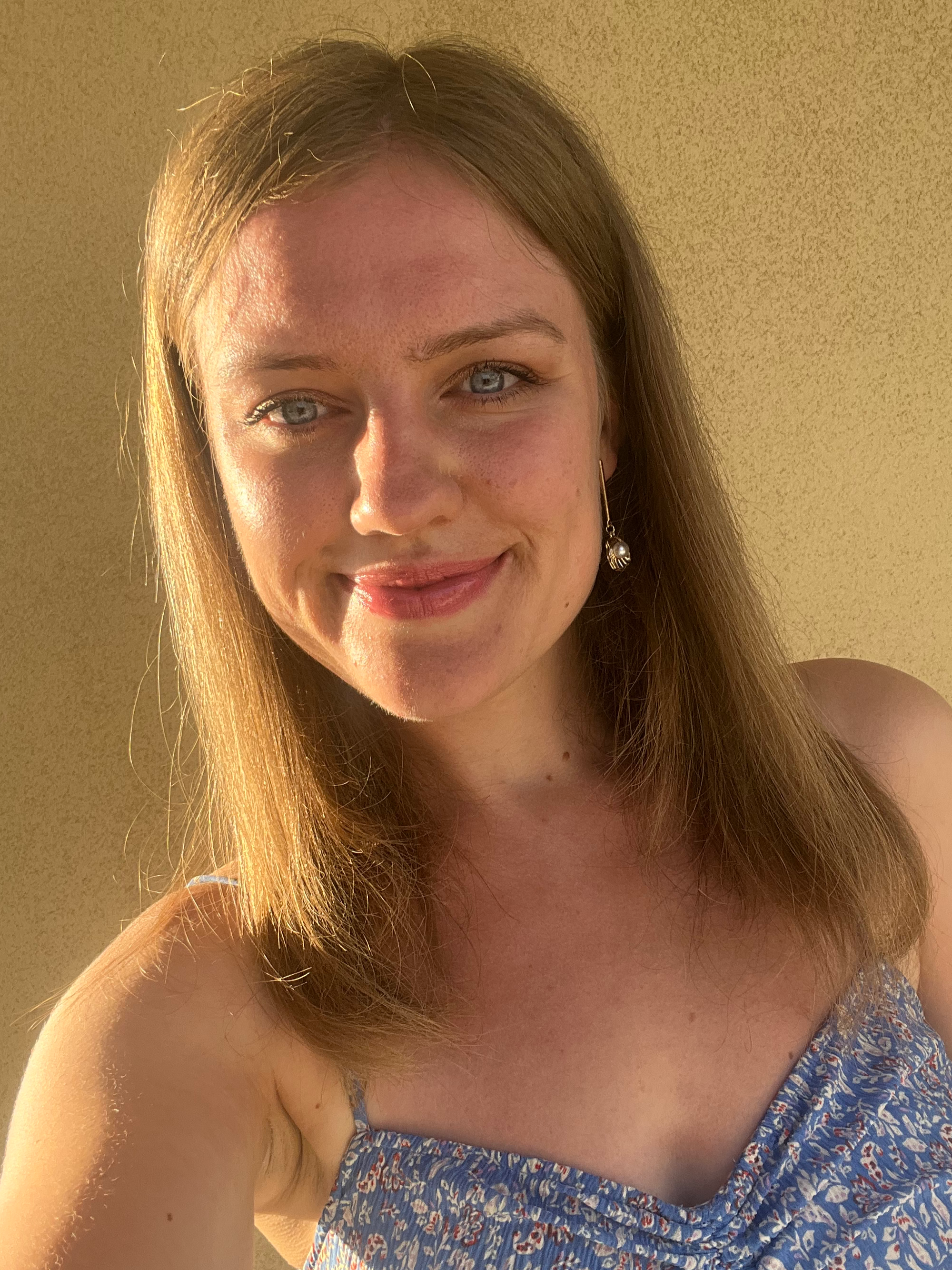

Hi, I’m Shannon.
I'm a Squarespace website designer in Essex, helping businesses that’ve outgrown their current site. That’s you, isn’t it?
"Absolutely loving the new website. Enquiries have been really consistent, which is so good to see." Jonathan Day, Managing Director, Villiers Barn (Wedding Venue, Thorpe Le Soken, Essex) | ★★★★★ Rated 5.0 on Google
(Best Creative StartUp finalist in the UK StartUp Awards • I’m currently booking projects for AW26/27).






TRUSTED BY:

Your website is underselling you, isn’t it?
Maybe you built it yourself. Maybe you went with the cheapest option you could find a few years ago. Either way:
• It’s outdated and doesn’t look like your business anymore
• You’ve added services since it was built and it doesn’t explain them properly
• It makes your life harder instead of easier, and you dread logging into the back end (I'm looking at you, WordPress)
• Next to your competitors you look smaller than you actually are
• You feel embarrassed whenever you send someone to it
Or you're on WordPress, Wix or GoDaddy and you want off. Getting people onto Squarespace without losing their rankings, their email or their enquiries is most of what I do.
Or you're starting from nothing, and the site you launch with is the first impression you'll be making for the next few years. Worth getting right the first time.
Or you've been messed about. A new account manager every few months. A developer who took the money and went quiet. With me, you're dealing with me the whole way through.
None of that means you got anything wrong. We've all got to start somewhere. Your business has grown and it's time your website caught up.
That's the bit I'm good at. Working out what your business actually is now, where it’s going, and building the site that says so.
When your website matches your work, the right opportunities follow
-
![]()
Enquiries worth having, coming in steadily
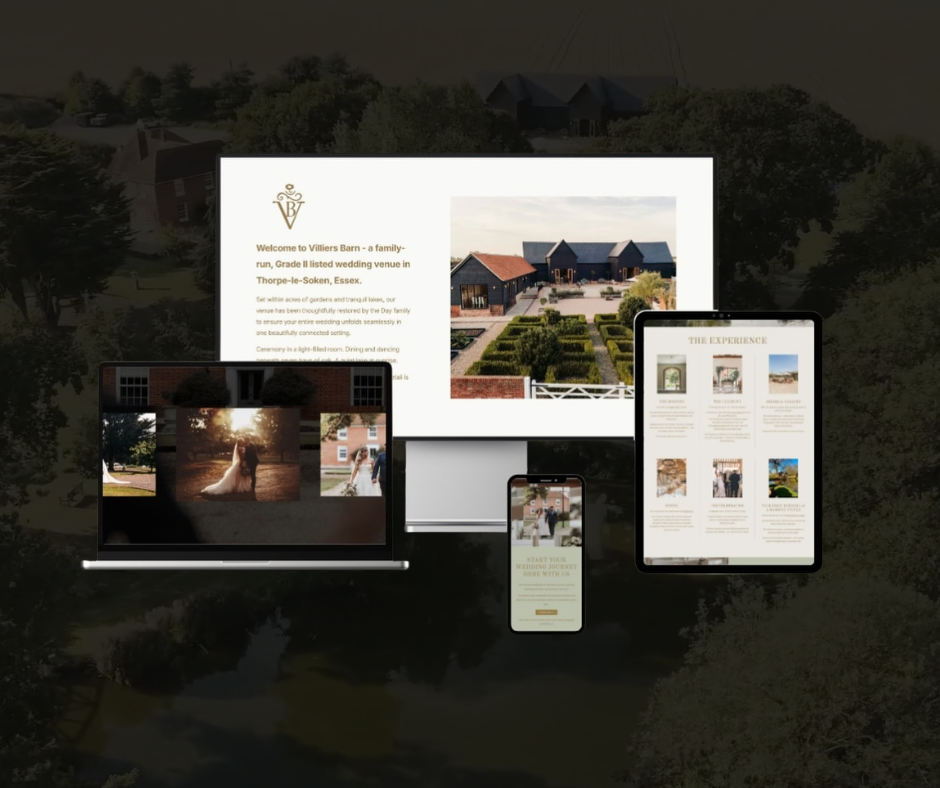
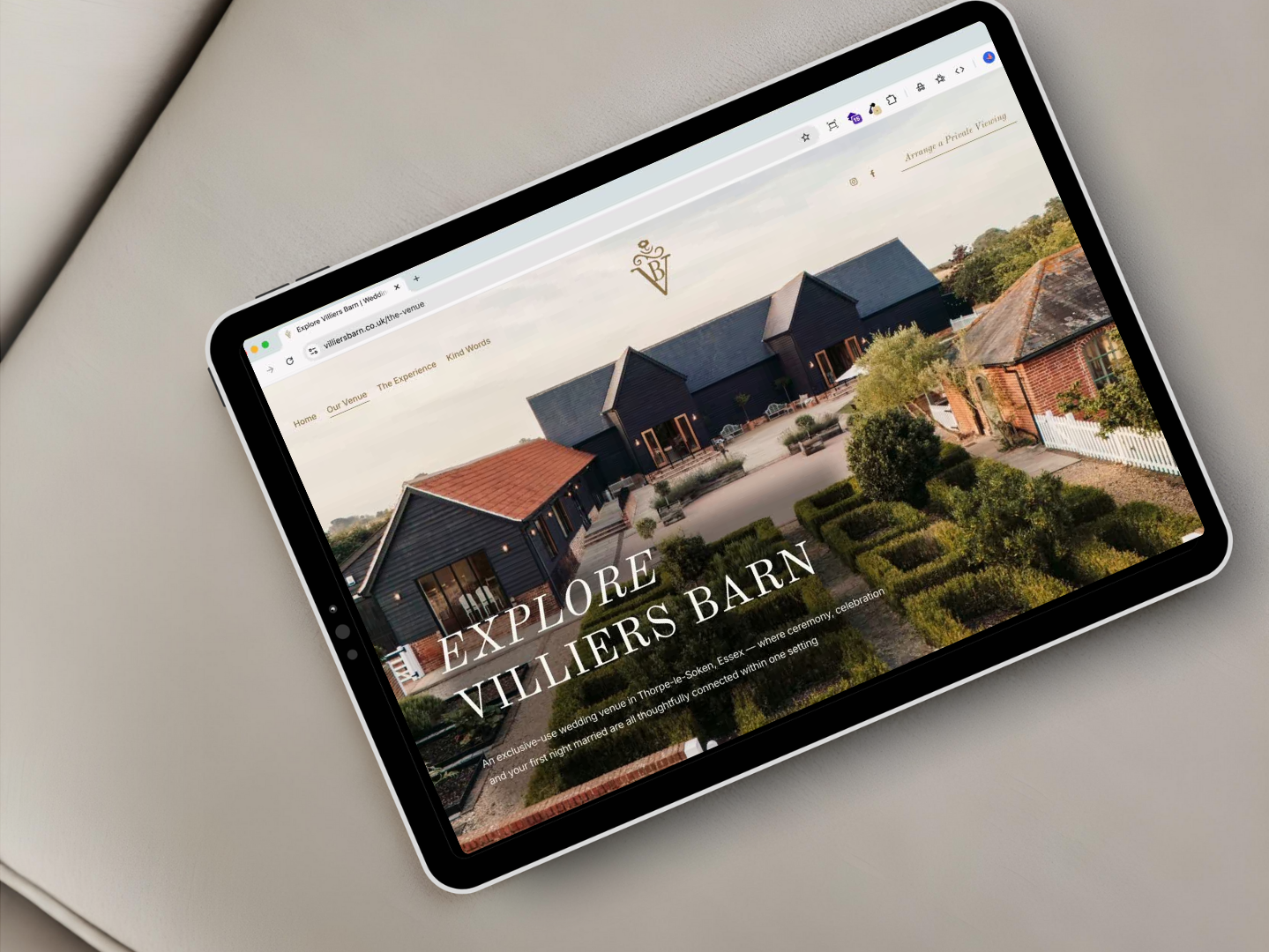
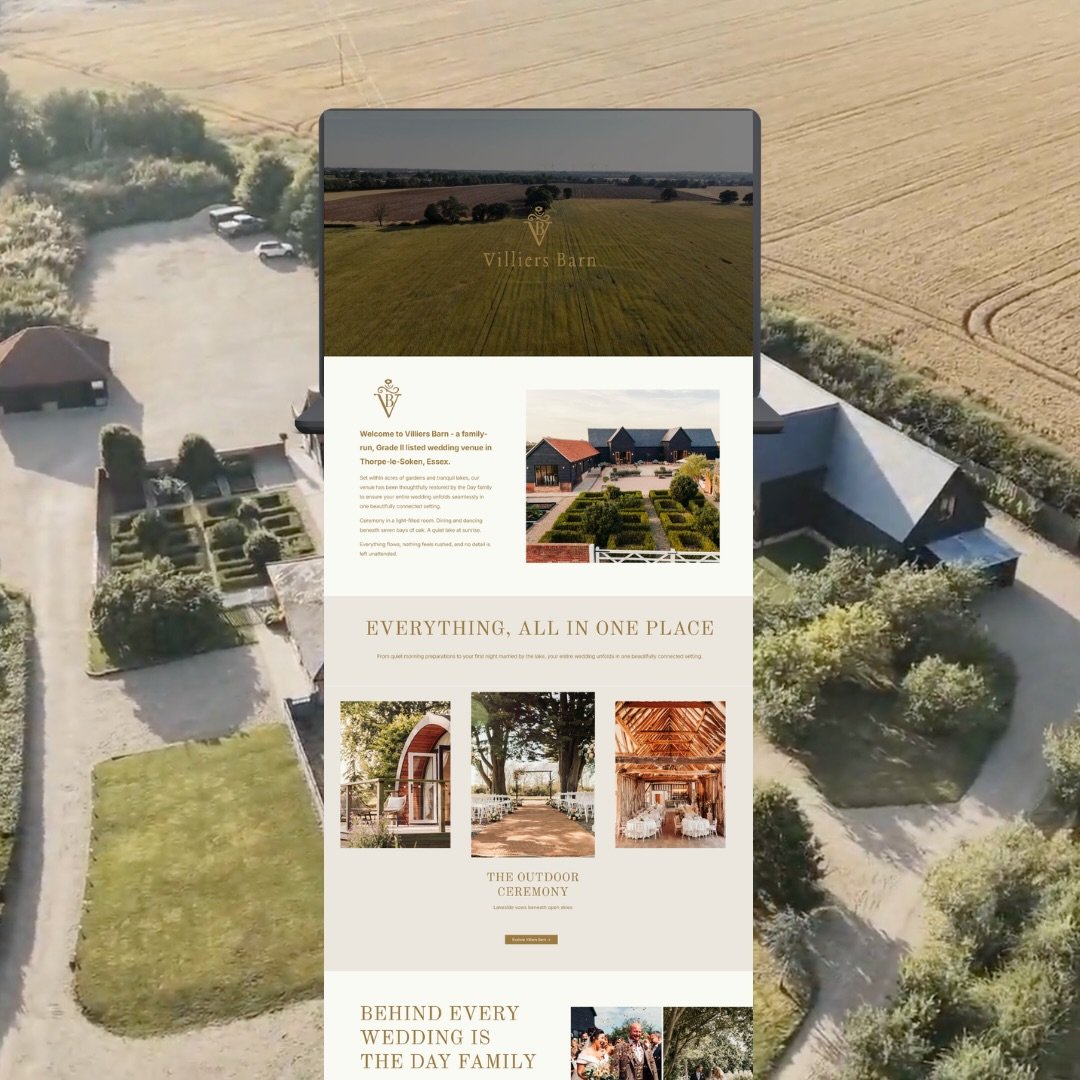
Villiers Barn is an exclusive-use wedding venue, but its old WordPress site didn't look like one. I rebuilt it on Squarespace to match the standard of the venue, added their new services, and set up the enquiry process behind it.
"The best and smoothest experience changing something that may seem daunting. Enquiries have been really consistent. Couldn't recommend Shannon enough!"
Jonathan Day, Managing Director, Villiers Barn (Thorpe le Soken, Essex)
-
![]()
Destination brides, and an invitation from Stylist
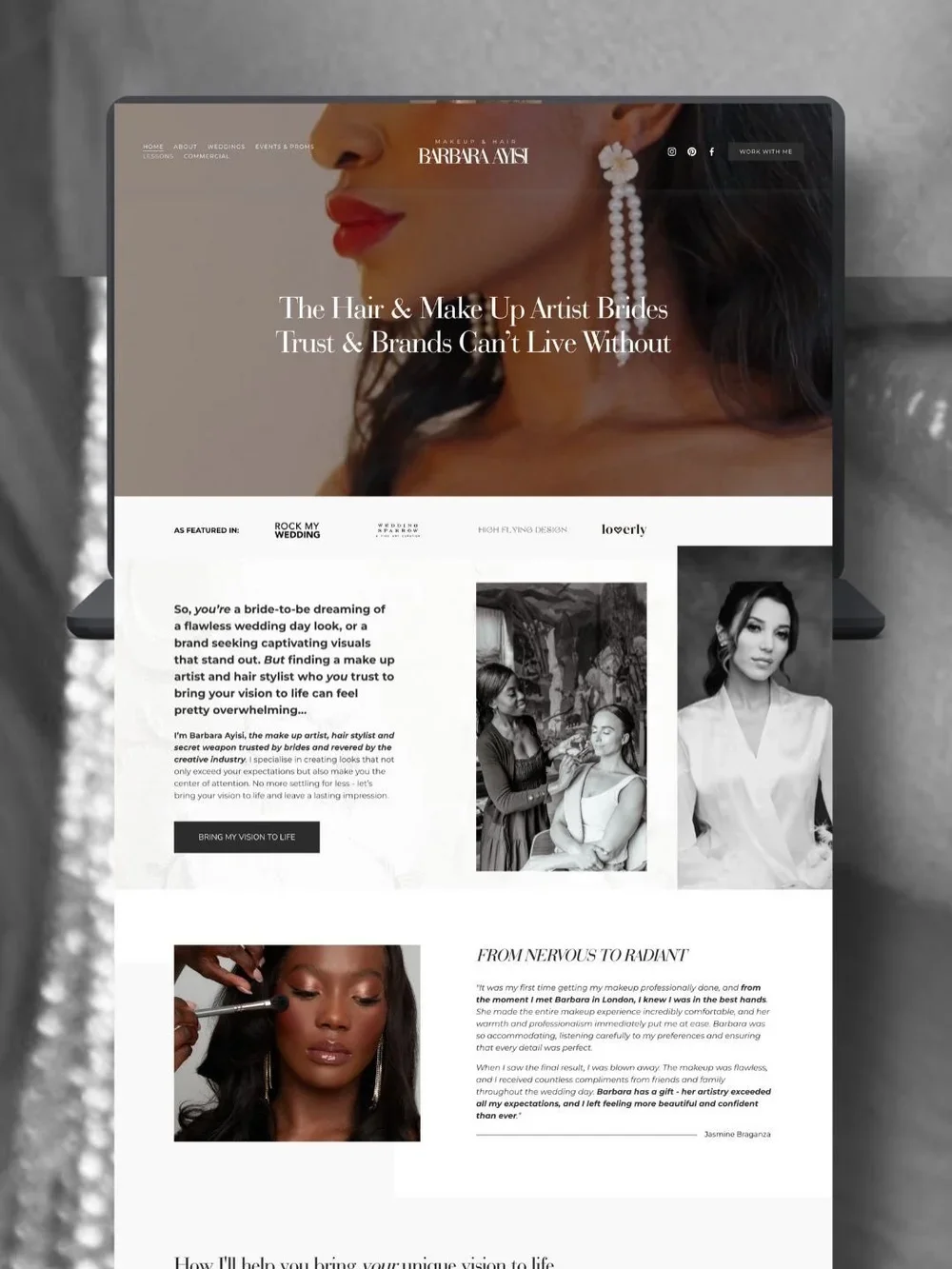
Barbara started out on a cheap Wix site, then reinvested to target a more luxury bridal client, so I rebuilt her on Squarespace and refined her copy. Within two years she'd pivoted fully. Her last destination bride found her through Google and flew her abroad for the wedding, and she looked credible enough that a journalist asked her to contribute to a Stylist feature.
"I have worked with Shannon for over 6 years, right from my initial web design to my brand new website and rebrand. Shannon understands my business and the way to market and position it to give me the strongest chance of success. I can't recommend her highly enough."
Barbara Ayisi, makeup & hair artist (Bromley, Kent)
-
![]()
Found on Google by the clients already searching for her
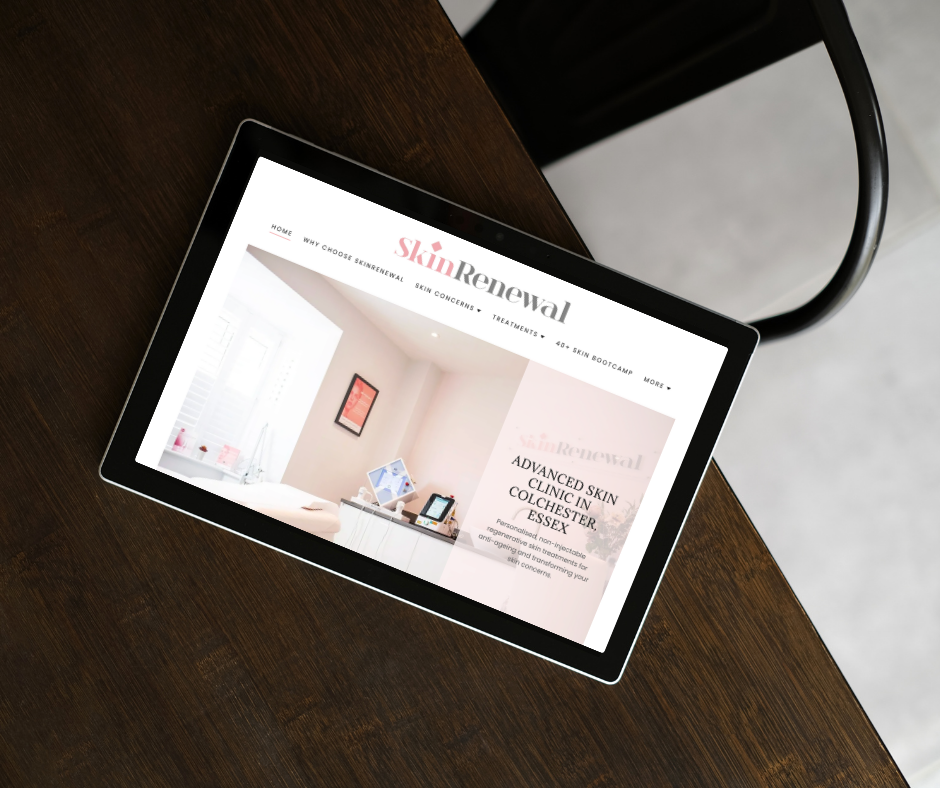
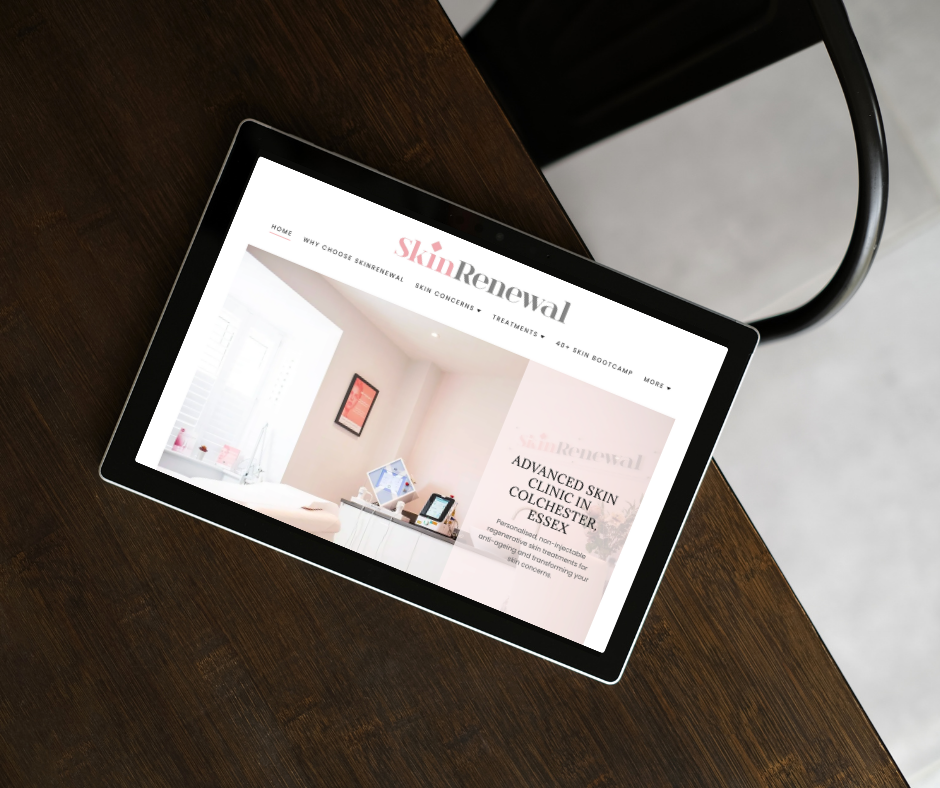
Carla had already built her own site for her skin clinic in Colchester. For four years I've been growing it, adding treatment pages, content hubs built around what her clients actually search for, and blog posts targeting the terms they use. When she had the idea for a second business, 40+ Skin Bootcamp, I built that one from scratch.
"Shannon helped me develop a more functional website and got it appearing on search engines. My client base has grown thanks to the work she's done for my skin clinic in Colchester, SkinRenewal. And when I had the idea for a second business, 40+ Skin Bootcamp, she helped me bring it to life, too. I couldn't have done it without her."
Carla Pooran, SkinRenewal & 40+ Skin Bootcamp (Colchester, Essex)
-
![]()
More advertisers, more subscribers, and room to expand beyond Essex
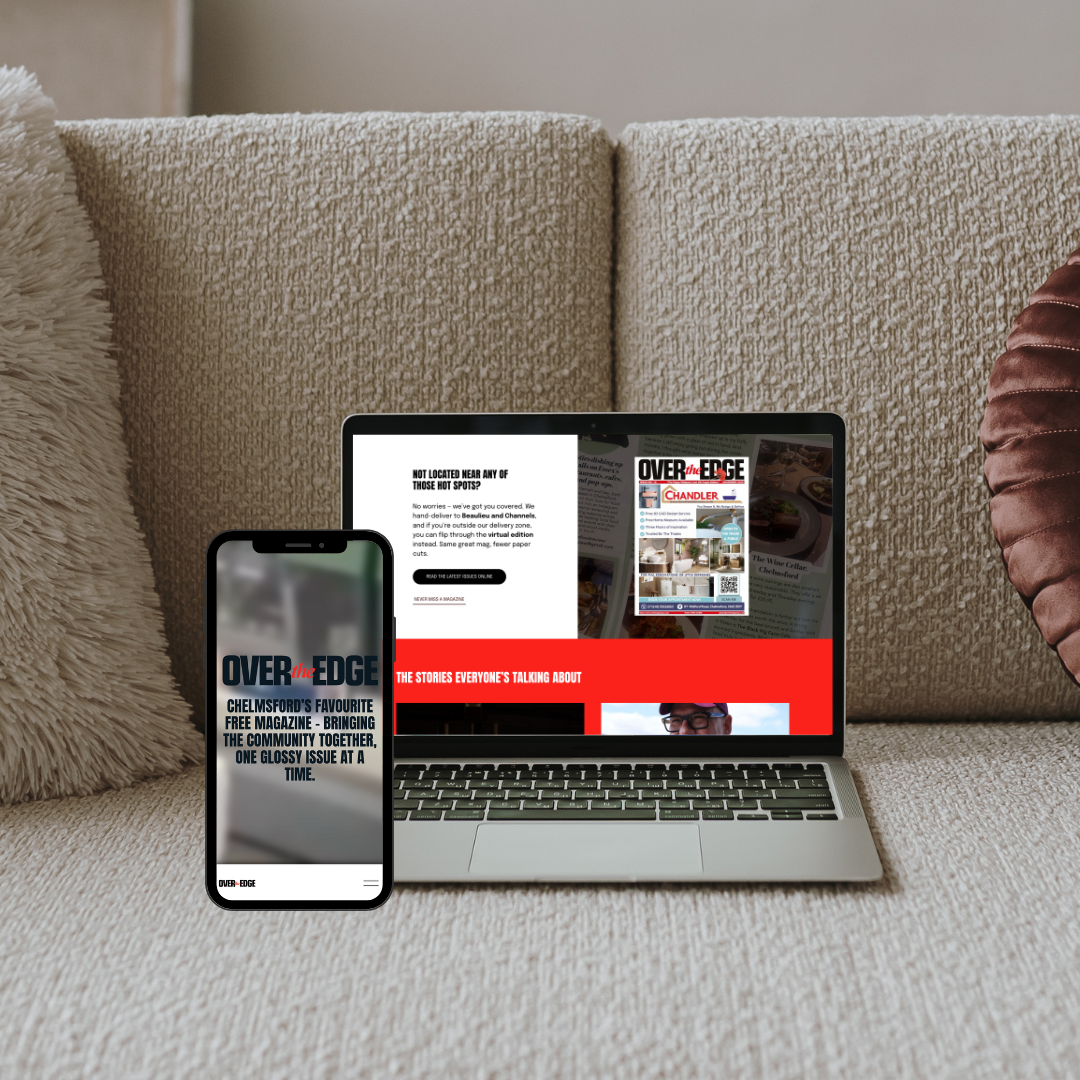
Over the Edge is a print magazine that needed to work online. I rebuilt their site and now handle the monthly issue uploads and newsletters, so it's gone from a placeholder to the magazine's real online home.
"Shannon doesn't just design websites, she thinks commercially. I'd recommend her to any business looking for a website that actually moves them forward."
Graham, Editor, Over the Edge Magazine (Chelmsford, Essex)


Squarespace Website
Design & Development
Whether you're rebuilding a site that no longer fits or launching your first one, we start with what the site needs to say. Who you're for now, what you want people to do, and how you talk about the work. If you haven't got copy, I'll write it. That's the part most designers skip, and it's what decides whether the site earns anything.
From there, every project includes:
• Direct access to me and only me the whole way through. You’ll never be handed to a junior or an account manager
• A layout that looks lovely, features custom CSS where it’s needed, and works properly on phones as well as desktop
• SEO so the right people can actually find you, whether they’re searching on Google or asking ChatGPT for a recommendation
• The admin handled for you. Enquiry forms that go where they should, bookings, payments, newsletter and social all connected up. Alex's salon takes payments through her site now. Villiers' enquiries come in without anyone chasing them
• A shop if you need one. Products, digital downloads or courses, with payments set up so you can sell from day one
• Domain set-up, connected or transferred, depending on where you’re at
• An extra week of support after launch for any last questions
• Free site training. Custom videos or a 1:1 walkthrough of your back end so you can update things yourself whenever you like
Investment
Most projects come in between £2,000 and £5,000.
Where you land depends on the size of your site and how much strategy and copy you need. A one-person service business sits at the lower end.
You'll get a written proposal and a fixed quote before anything starts. A 50% deposit books your slot and the balance is due at launch. Payment plans are available and most clients spread the cost across the project.
Six years on one platform means I'm quick. Most sites go live within a few weeks, and you're not paying for anyone's learning curve.
I take on one or two projects a month, so yours gets proper attention rather than being squeezed between five others.
I'm probably not your person if you want the cheapest option, if you want to stay on WordPress, or if you need it live next week.
"Not only has it made my life easier in terms of customer payments, it has also massively increased my customer trust." — Fay, Socialuxe UK (Wimbledon, London)
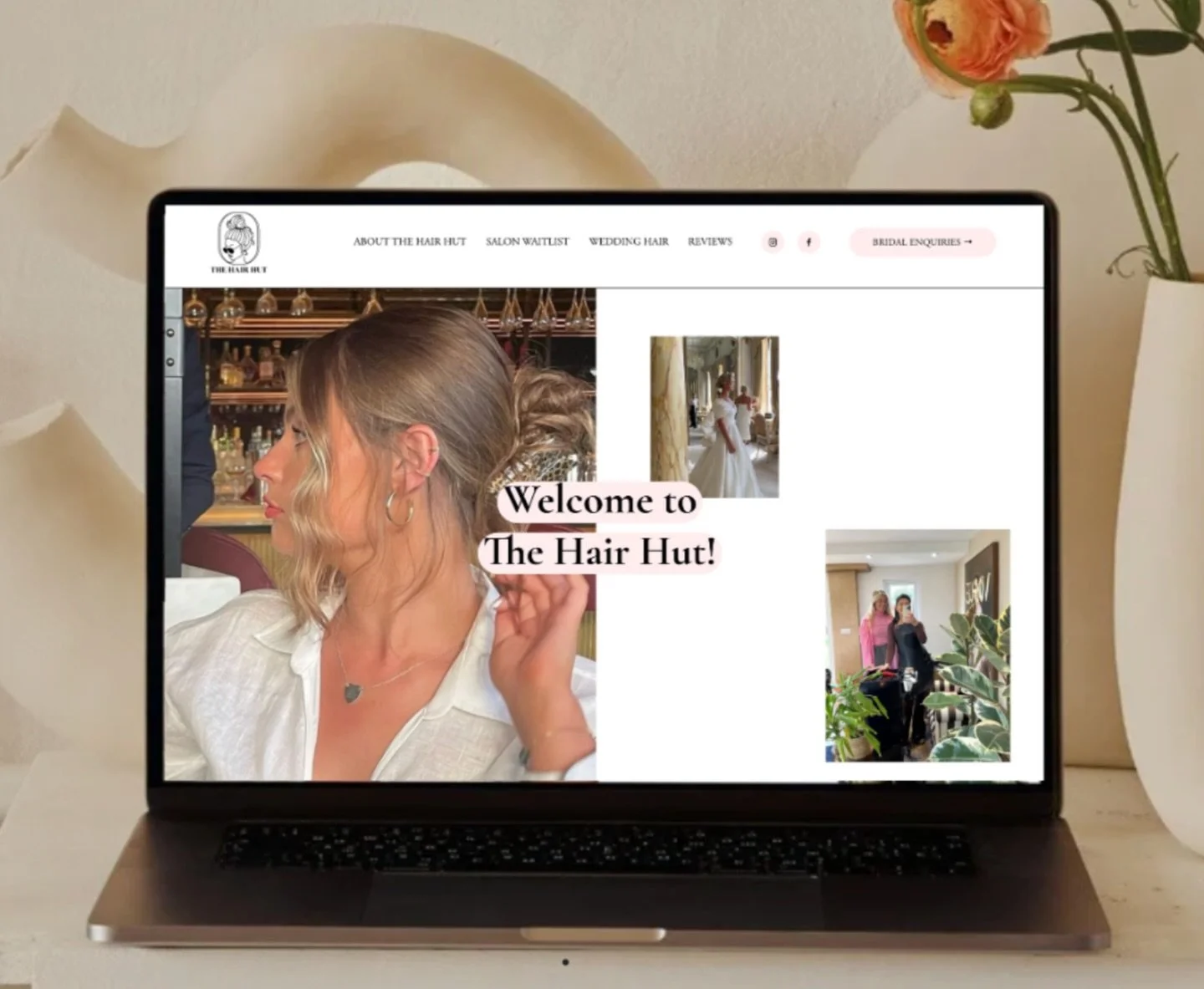
"I'm absolutely over the moon with my website. If you're thinking of getting one made, go for it. It's one of the best decisions and investments you'll make.” — Mollie, The Hair Hut
Frequently Asked Questions
-
It stays live and working the whole time, so you don't lose enquiries. I build the new one separately and we only switch when you're happy with it. I set up redirects from your old pages to the new ones so you keep whatever you've earned on Google, and your email and domain carry over. I've moved sites off of WordPress, Wix and GoDaddy.
-
No, of course not! I build sites from scratch too, whether you're launching something new or you've never had a website before. Plenty of people also come to me with a site they built themselves that mostly works but looks a bit template-y, or never quite got finished. That's charged hourly at £50, and it's often a day or two of work rather than a few weeks. I'll give you an estimate of hours before we start.
If you'd rather do the work yourself and just want telling what to change, a website review is £150. I go through your site before we speak, we spend an hour on what to change and what order to do it in, and you get the notes afterwards.
-
No. I use custom CSS to build things Squarespace doesn't do out of the box, so your site looks like your business rather than the theme it started as.
-
Yes, and I'd rather you could. Every build includes custom training videos or a 1:1 walkthrough of your back end, so you're never stuck waiting on someone else to change a price or add a new service. The site sits on your own Squarespace account too, so it's yours. Nothing held hostage!
That said, if you would prefer me to update the website on your behalf, I work at a rate of £50 an hour.
-
Yes. Villiers Barn is an exclusive-use venue in Thorpe le Soken, and Barbara Ayisi is a bridal hair and makeup artist in Kent. I understand how long the enquiry-to-booking window is in weddings and what the site needs to do in the meantime.
-
Yes. Squarespace handles products, digital downloads and courses, and I'll set up payments and the rest of it so you're ready to sell from day one.
-
That's normal, and it's most of what my marketing background is for. We'll work out what your site needs to say and who it needs to say it to, and I'll write or refine the copy as part of the project.
-
That's part of what I build for. When someone asks ChatGPT or Gemini to recommend an exclusive-use wedding venue in Essex or a skin clinic near Colchester, those tools pull their answers largely from business websites. If yours is thin or vague about what you do and who you do it for, you don't get mentioned. I've had enquiries land in my inbox from people who found me exactly that way.
-
If you want it to keep bringing people in, yes. Google favours sites that are actively maintained, and the AI tools people now use for recommendations pull from sites with real, current content on them. A site that hasn't changed in two years gradually stops getting found, even if it looks great.
It doesn't have to be much. A blog post a month answering something your clients actually ask, your services kept accurate, a newsletter going out. If you'd rather not do it yourself, that's what ongoing support is for, from £150 a month.
-
Essex, on the sunshine coast. I work with businesses across Essex, Kent, London and further afield. Everything's done remotely, so where you are doesn't really matter.
Ongoing Website Support for founders & Small businesses
Your website doesn't stay useful on its own. Google rewards sites that keep publishing, and so do ChatGPT and the other AI tools people now ask for recommendations. A site that hasn't changed in two years slowly stops being found.
Most people already have the content, it's just in the wrong place. Two years of Instagram captions answering the same questions over and over, and a website that says nothing. So we start with the website and work backwards. One blog post becomes your newsletter, a few social posts, and a page you can send people to for the next five years.
In practice, that's usually a post or two a month, your newsletter, and me keeping an eye on what's actually bringing people in. Some want it done for them. Others want me to check their work and tell them what to publish next.
Barbara, whose review you read earlier, is the clearest example. Her dream clients find her through Google now, and she publishes regularly, which is what gives Google something to find. It's also why a journalist picked her out for a Stylist feature that ran in print and online. Journalists look for people who already sound like the expert, and by then her website said it for her.
Priced monthly on what you need. Most people are somewhere between a post a month and a proper content plan, and I'll quote you once I know which.
"Shannon's on a completely different level. Working with her has been one of the best investments I've made in my business." — Fay, Socialuxe UK
Shannon Kate Murray
Shannon Kate Murray has spent the last six years designing and growing websites from her home office in Essex, working with businesses across the UK, after seven years in marketing and PR. She's also the founder of High Flying Design, the online magazine for female founders.
Don’t like forms? Don’t worry, I’ve got you. You’re welcome to reach me on Instagram / LinkedIn / hello@highflyingdesign.com